Role
UX Analyst Intern
Company
Marketeq Digital
Job Summary
Audit the data import, migration, and mapping process for 83 headless content management systems (CMS)
Overview
This documentation outlines my experience as a part-time UX intern at an enterprise-level, completely code-free headless CMS company.
Internship Structure & Design Process
My internship was structured around daily design meetings held Monday through Friday from 9:00 – 11:00 AM with a small UX team led by a Senior UX Architect. There were six designers on the team, each assigned individual sprints that we present and iterate on daily.
My sprint focused on one central challenge:
How can enterprise headless CMS migration become accessible to non-technical users without requiring code, CLI tools, or developer workflows?
To answer that question, I analyzed the data import, migration, and mapping processes for 83 best-in-class and out-of-category headless content management systems. My sprint documented the migration methods for various data types such as contacts, datasets, sections, templates, and pages, emphasizing code-free methods that enable seamless migration without deploying CLI or package management system software (e.g. npm, yarn).
Research Goal
The primary objective of my sprint was to investigate how existing CMS platforms handle content migration between systems while keeping a non-technical audience in mind. Specifically, I focused on identifying workflows that allowed users to migrate content without relying on:
Command-line interfaces (CLI)
npm or yarn package managers
Custom scripts
Developer tooling
The company’s broader mission is centered around accessibility and reducing technical barriers for users with zero coding experience, so my research needed to evaluate competitors through that lens.
Research Methodology
Gather data efficiently using a documentation-first approach:
Open 5–10 CMS platforms at a time
Search their documentation for keywords such as:
Immediately eliminate platforms that required:
✕
CLI installation
✕
npm/yarn deployment
✕
developer-only migration scripts
Investigate qualifying platforms further through:
✓
product documentation
✓
onboarding videos
✓
YouTube tutorials
✓
dummy test accounts
If a platform aligned with our code-free criteria, I documented its workflow step-by-step, including screenshots, navigation patterns, and mapping systems.
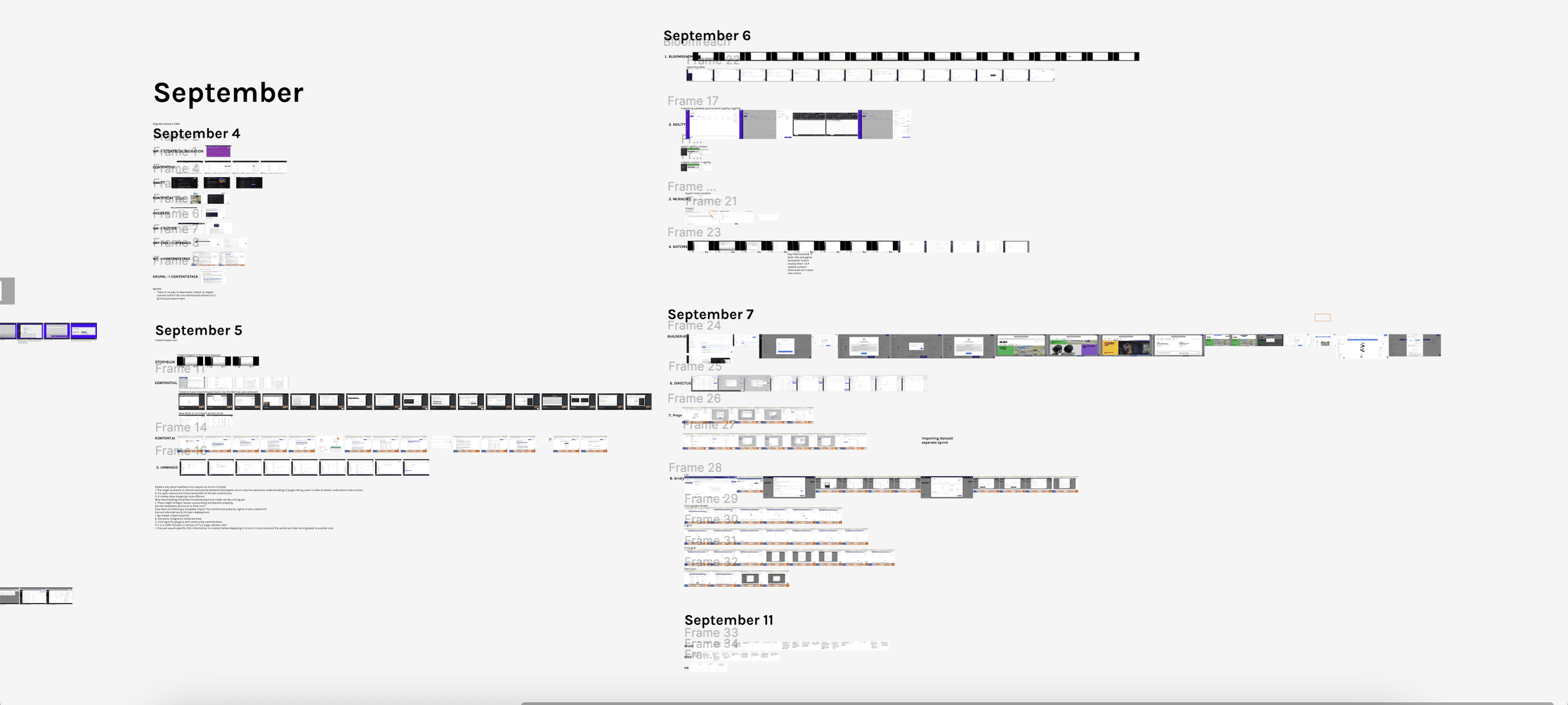
A screenshot showing 30 of 83 dashboard audits
Key Findings
Out of the 83 platforms analyzed, only eight provided a fully code-free GUI-based import system capable of handling .csv, .xml, and .json formats
A lack of migration support for more advanced content structures
Most code-free workflows only supported spreadsheet-based contact imports, while very few platforms provided visual migration systems for templates, sections, pages, and structured content models
Across the eight qualifying platforms, the migration flow generally followed the same pattern:
Why This Matters
The fact that only eight out of 83 platforms offered a code-free migration experience highlights a major opportunity for innovation. By designing migration systems that remove technical barriers, we can create workflows that are approachable for marketers, editors, content strategists, and small business owners — not just developers.
One of the most important insights from this research was recognizing how heavily the headless CMS industry prioritizes backend developers while unintentionally excluding non-technical users. Most enterprise headless CMS solutions assume users are comfortable with, APIs, terminal commands, package managers, JSON manipulation, and schema configuration, creating a massive accessibility gap.
What I learned
This sprint gave me a much deeper understanding of both UX research, technical content systems, and how important clarity and onboarding are when designing enterprise software. Even powerful systems become frustrating if users don’t understand what’s happening during migration.
takeaways:
Understanding how data mapping works in migration systems
Learning the differences between traditional CMS platforms and headless CMS architecture
Seeing how database schemas translate into spreadsheet and structured content formats
Developing a more scalable workflow for collecting large amounts of comparative UX data
Improving my ability to communicate technical processes in a way that non-technical users can understand